Instagram Downloader
Download Videos, Photos, Reels, Stories, and IGTV from Instagram online
Why choose IG Downloader?
IG Downloader is a powerful online tool that allows you to download Instagram videos, photos, Reels, Stories, and IGTV effortlessly. Save high-quality Instagram content directly to your phone or computer for free. No software installation is required as it works perfectly on any web browser, supporting Android, iOS, and PC.
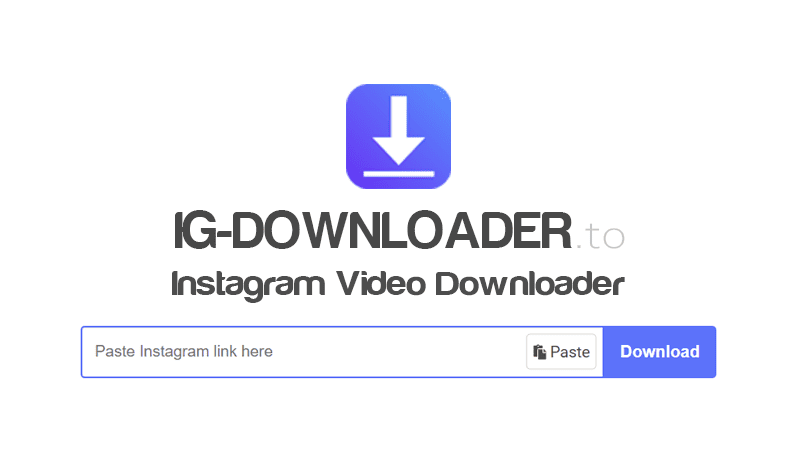
How to download Instagram Videos, Photos & Reels
- Step 1: Open the Instagram app or website on your device.
- Step 2: Find the video, photo, or Reel you wish to save.
- Step 3: Click the share icon or the three dots (...) and select Copy Link.
- Step 4: Paste the link into the input box on IG-Downloader.to and press Download.
- Step 5: Press the Download Video or Download Photo button to save the file to your device.
Key features of IG Downloader
- Download Instagram Video: Our Instagram video downloader allows you to save any video from Instagram to your device in the highest quality (HD, Full HD). This tool provides a seamless, high-speed downloading experience that is completely free of charge.
- Download Instagram Photo: Download Instagram photo is a tool that helps you save photos from posts and profiles in HD quality. It supports various resolution and size options before saving to your device.
- Download Instagram Reels: This feature allows you to download Instagram Reels videos quickly. Save Reels to your phone or computer in the highest quality for free.
- Download Instagram Story: Easily download Instagram Stories and Highlights in HD quality. Save Stories to iPhone or Android directly via your browser without any software installation.
- Download Instagram IGTV: IGTV allows for longer video content on Instagram, and with IG Downloader, you can save these videos in high-definition quality effortlessly. Our tool helps you download IGTV videos directly to your phone or computer at high speed.
- Download Private Instagram: IG Downloader supports saving photos and videos from private Instagram accounts. While this method requires a few extra steps compared to public downloads, it ensures you can keep the content you care about.
Our tool is designed to help you download Instagram content for personal use. We reserve the right to refuse service if the tool is used to violate the privacy or intellectual property rights of others.
Read our Terms of Service 👉here👈
FAQ
What is Instagram Downloader?
Instagram Downloader is an online tool that allows you to download Photos, Videos, Reels, Stories, and IGTV from Instagram for free. Save any IG content to your phone or computer in high quality without installing any software.
How to use IG Downloader?
It's very simple! Just follow these steps: Copy Instagram link → Paste link into search box → Click Download
How to download Instagram videos and photos to iPhone (iOS)?
For iPhone, use Safari on iOS 13+ or the Documents by Readdle app for older versions. Go to IG-Downloader.to → Paste link → Download (see instructions).
How to download Instagram photos and videos on Android?
To download on Android, simply copy the Instagram post link, visit IG-Downloader.to on your mobile browser, paste the link into the box, and hit Download. Your file will be saved to your gallery instantly.
How to download private Instagram photos and videos?
You can use our Download Private Instagram tool to download private Instagram photos, videos, Reels, and Stories easily without any issues.
What file formats does IG Downloader support?
We support the most popular formats: MP4 for videos (Reels, IGTV), MP3 for audio, and JPG/PNG for photos. All downloads are kept in the original high-definition quality.
Do I have to pay to use Instagram Downloader?
No, our tool is 100% free. You can download unlimited photos, videos, Reels, and Stories from Instagram without any subscription or hidden fees.
Where are my photos and videos saved after downloading?
On most devices, downloaded files are automatically stored in the 'Downloads' folder or your gallery. On mobile, check your phone's Photo Library or Downloads manager.